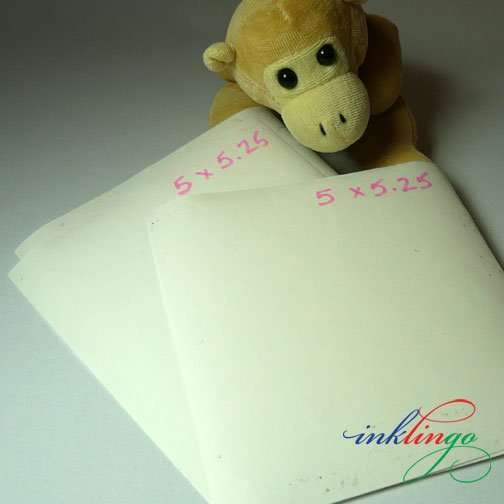
STEP 3 – ROTARY CUT THE FREEZER PAPER
Inklingo Quilt Studio makes this easier! You only cut the fabric to the custom page size now—not the freezer paper. Older photos show the previous method. See the Guided Tour for current instructions.
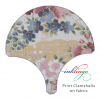
I cut several pieces of freezer paper (FP) 5 x 5.25 so I could print a stack of charms at once.
TIP You can cut 6 sheets from 2 sheets of 8.5 x 11 FP with one cool tip.
Overlap the two sheets by about 0.25 inch (plastic side to paper side) and press to create one big sheet about 15.75 x 11. Then cut 5 inch rows, stack and sub-cut so each sheet is 5.25 inches long. Label each one.
This technique of overlapping FP to create larger sheets is described in Chapter 1 of The Inklingo Handbook. The info in that chapter is so important and useful that I included it in the free Diamond Triangle Square shape collection (page H41).
There is also more information about freezer paper in another article on the blog. It is one of the Top Ten Tutes (tab above).
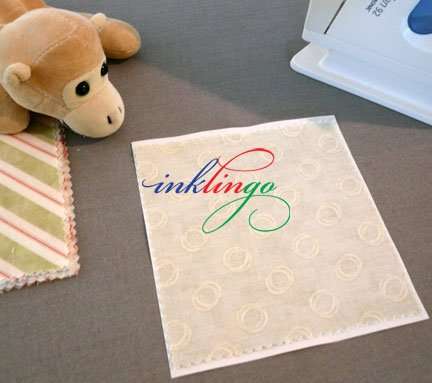
STEP 4 – IRONING TO FP
Center the charm on the FP. Press the FP to the right side of the fabric, so you can print on the wrong side.
Press on both sides with a HOT, dry iron to get a good bond. (Print on fabric, best tips, is also in the Top Ten Tutes.)
I set up the ironing board near the printer and prepare several sheets, so I can set up a little assembly line. A stack of fabric is printing while I am ironing the next sheets.
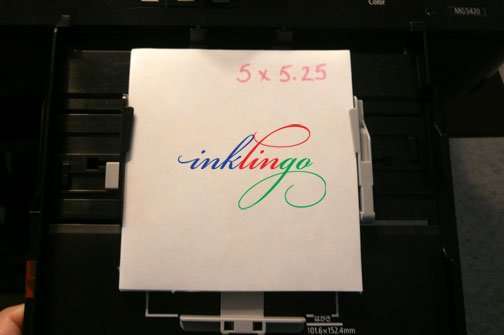
5. PRINT!
Put a stack of sheets in the tray of the printer.
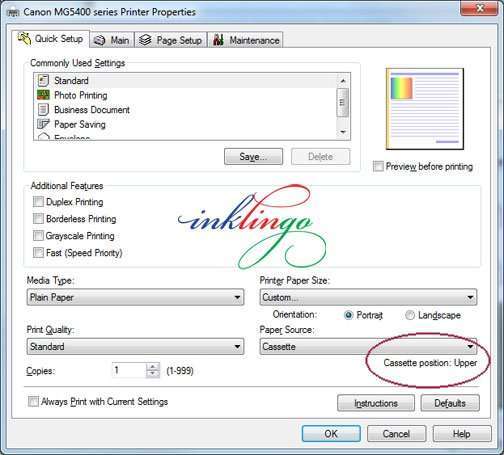
The popular Canon printers have a separate, smaller, upper paper tray (“cassette”) for small sheets of fabric. If the upper tray is to be used, it is indicated in the Print Dialog Box, as shown above.
If you are wondering about the trays your printer, the manuals are all online now, so you can google the printer and find it.
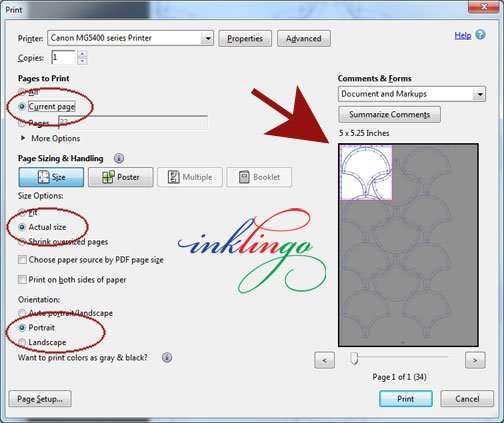
Check the preview screen and the settings and then click to print!
That’s it!
Now you know how to print on charms and pre-cuts.
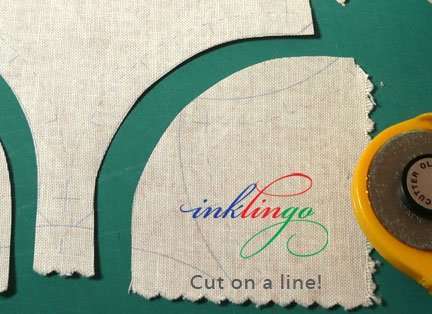
Remove the freezer paper and cut on the lines!
Ready to sew!
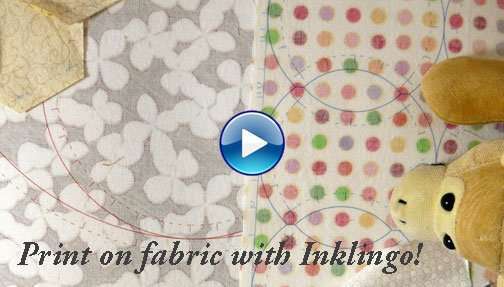
If you are new to Inklingo, there are step by step instructions and a new VIDEO on the Welcome to Inklingo page on the website.
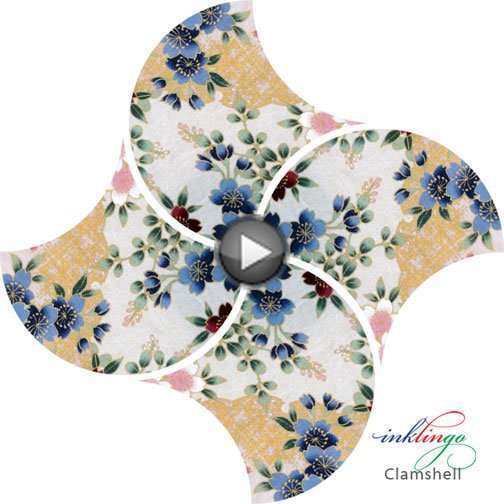
Next, I intend to share some setting ideas for these curvy shapes!
Linda & Monkey
![[]](https://www.inklingo.com/wp-content/uploads/2011/04/inklingo-heart.png)
New to Inklingo? Order and download free shapes and start sewing in the next few minutes. Main Beginner’s Page There are triangles, diamonds, and squares in the free collection—great for dozens of different blocks.